Pcd
The Pcd component loads and displays PCD (Point Cloud Data) files.
This is ideal for:
- Loading 3D scan data from sensors
- Displaying point clouds from ROS or PCL pipelines
- Visualizing LiDAR captures
- Loading assets from robotics applications
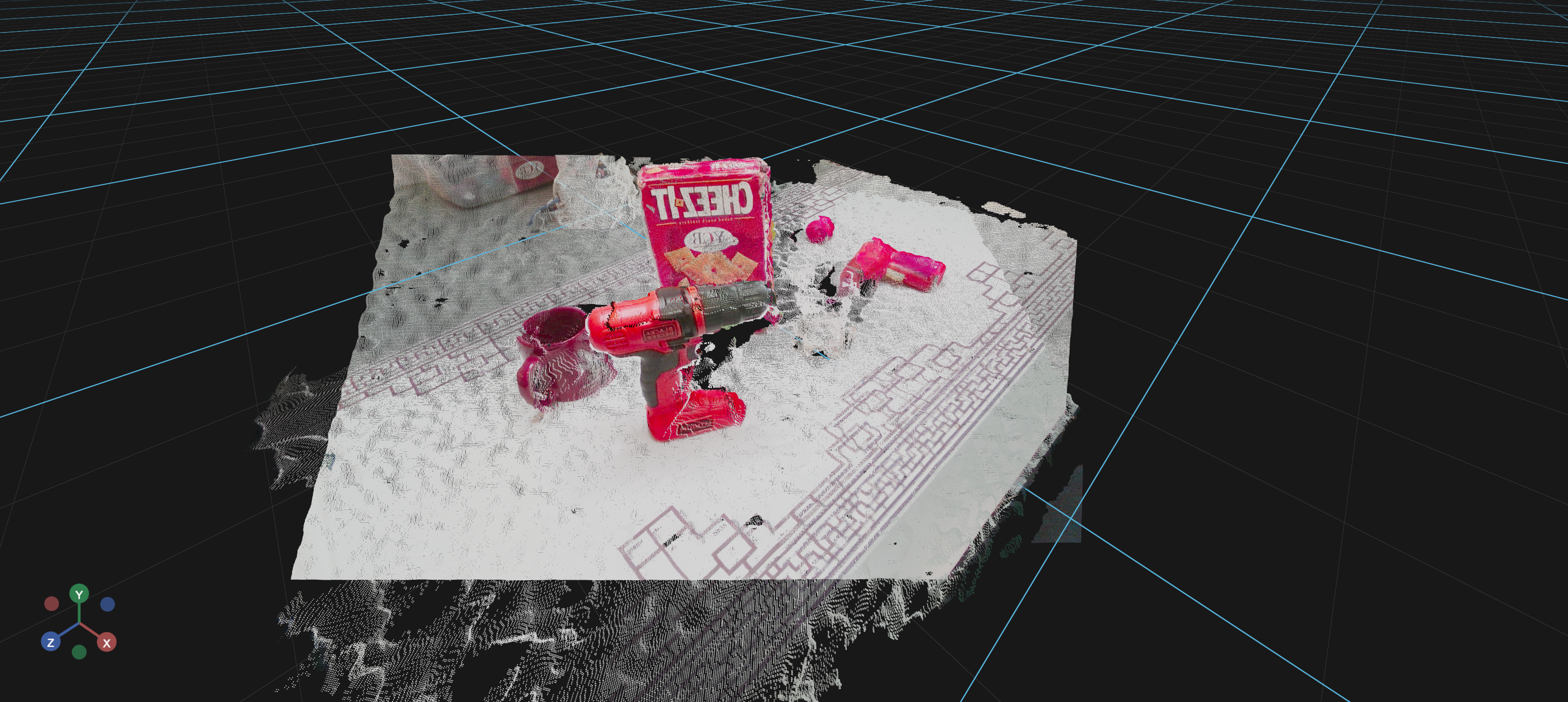
Basic Usage
A minimal example that loads a PCD file from a URL:
import os
from vuer import Vuer, VuerSession
from vuer.schemas import Pcd

f3rm_ycb_1 = "pointclouds/f3rm_ycb_1.pcd"
f3rm_ycb_2 = "pointclouds/f3rm_ycb_2.pcd"

app = Vuer(static_root=os.getcwd() + "/../../../assets")

@app.spawn(start=True)
async def main(sess: VuerSession):
    sess.upsert @ Pcd(
        src="http://localhost:8012/static/" + f3rm_ycb_1,
        size=0.001,
        position=[0, 0, 0.5],
    )
    sess.upsert @ Pcd(
        src="http://localhost:8012/static/" + f3rm_ycb_2,
        size=0.001,
        position=[0, 0, 0.5],
    )

    await sess.forever()
Key Parameters
| Parameter | Type | Default | Description |
|---|---|---|---|
src |
str | - | URL or local file path to the PCD file |
text |
str | - | Text content of the PCD file (load from string) |
buff |
bytes | - | Binary content of the PCD file (most efficient) |
encoding |
str | 'ascii' |
Encoding of the PCD file |
size |
float | - | Size of the points in the point cloud |
matrix |
tuple[float, ...] | - | 4x4 transformation matrix (16 values) for positioning and orienting |
hide |
bool | False |
Flag to hide the point cloud |
Learn More
For detailed examples of using Pcd, see:
- Showing Point Clouds - Programmatic point cloud display